
CRM Implementation Failure: How B2B Teams Prevent It
CRM implementation fails when the system does not match daily B2B work: follow-up, quotes, customer documents, ownership, approvals, reporting, and service handoff.
BROSH CRM helps teams reduce that risk by starting with the workflow people actually need to run, then turning it into clear records, tasks, dashboards, and management routines.
Last modified by BROSH CRM, on Tue Aug 11 2026 Israel Time
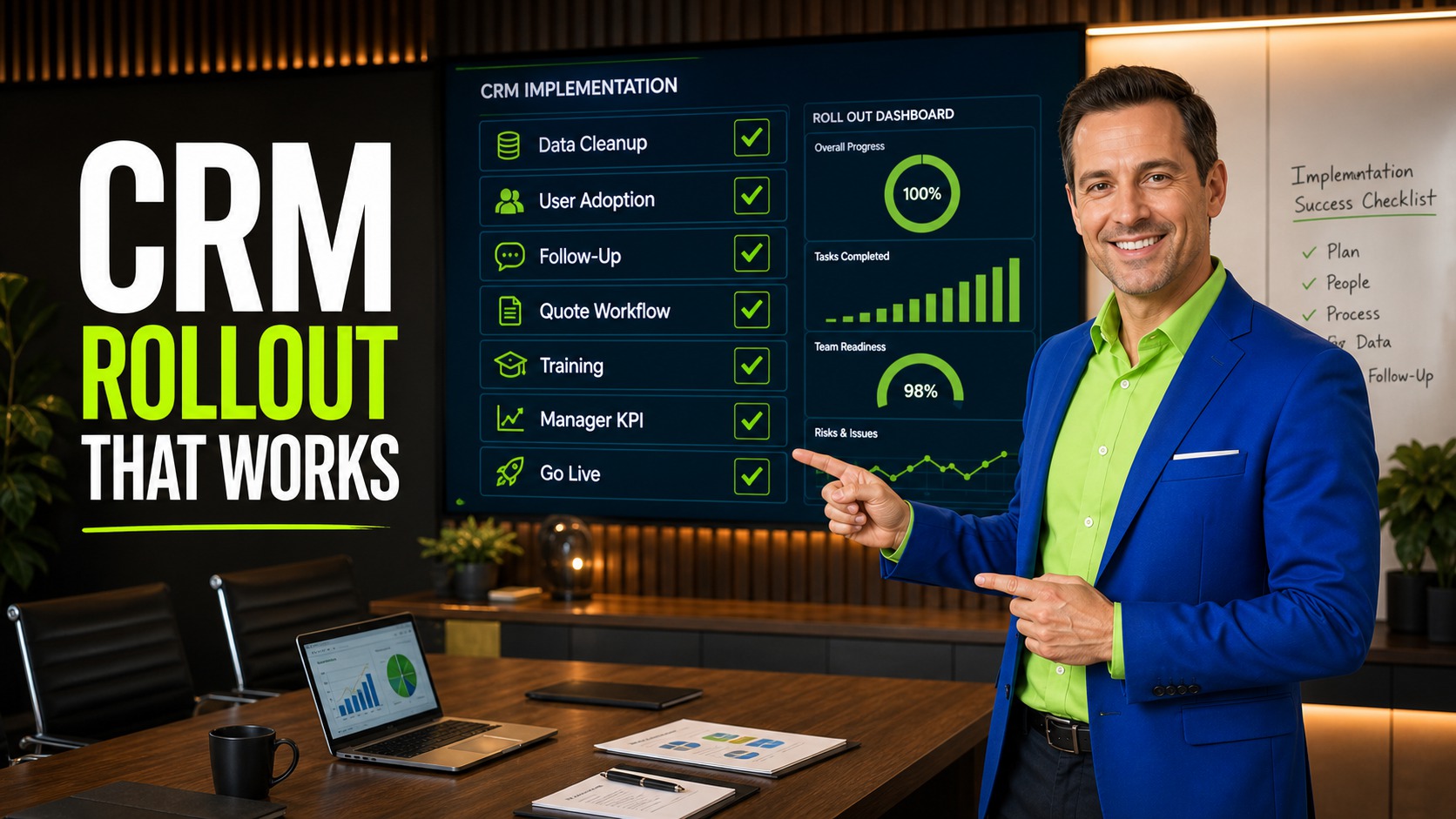
CRM Implementation Failure becomes easier when the team can see owners, next actions, customer context, and management signals in one place.
Why CRM Implementation Fails
Most CRM failures are not caused by one bad field or one missing feature. They happen when the system is launched as a database instead of an operating workflow. Users enter partial data, managers do not trust reports, sales keeps side spreadsheets, and customer history stays scattered across messages and documents.
The NIST AI Risk Management Framework is useful for teams planning smarter CRM operations because it emphasizes governable and accountable systems. In practical CRM work, that means automation should sit on top of clean ownership, clear tasks, and transparent records.
The FTC business guidance on privacy and security is also relevant because CRM implementation touches customer information. Cleaner records and disciplined access habits make customer data easier to govern.
Build the CRM Around the Real Sales Process
Before adding dashboards or automation, map the real process from lead capture to qualification, demo, quote, document, approval, follow-up, and close. Each stage should have a clear owner, a customer-facing reason, and a practical next action.
This is where BROSH CRM should feel close to daily work. Sales users need the customer story, managers need stage and risk visibility, and service teams need a clean handoff. Connect implementation planning to CRM selection mistakes to avoid and gap-based sales discovery so the rollout starts with buyer and workflow reality.

The image beside this section shows the workflow as a clear business system, not a disconnected list.
What to Track in BROSH CRM
Keep the workflow simple enough for daily use and structured enough for managers to act on it. Focus on the fields that make customer work move: owner, next action, status, document, quote, risk, and date.
Workflow Fit
The CRM follows the real sales and service process instead of forcing generic stages.
Data Quality
Customer records, accounts, contacts, quotes, and documents are clean enough to trust.
Adoption Signals
Managers review next actions, stale records, and open quote status every week.
Connect this workflow to related BROSH guidance on what CRM manages, smart scheduling, Kanban pipeline visibility, and documents and e-signatures.
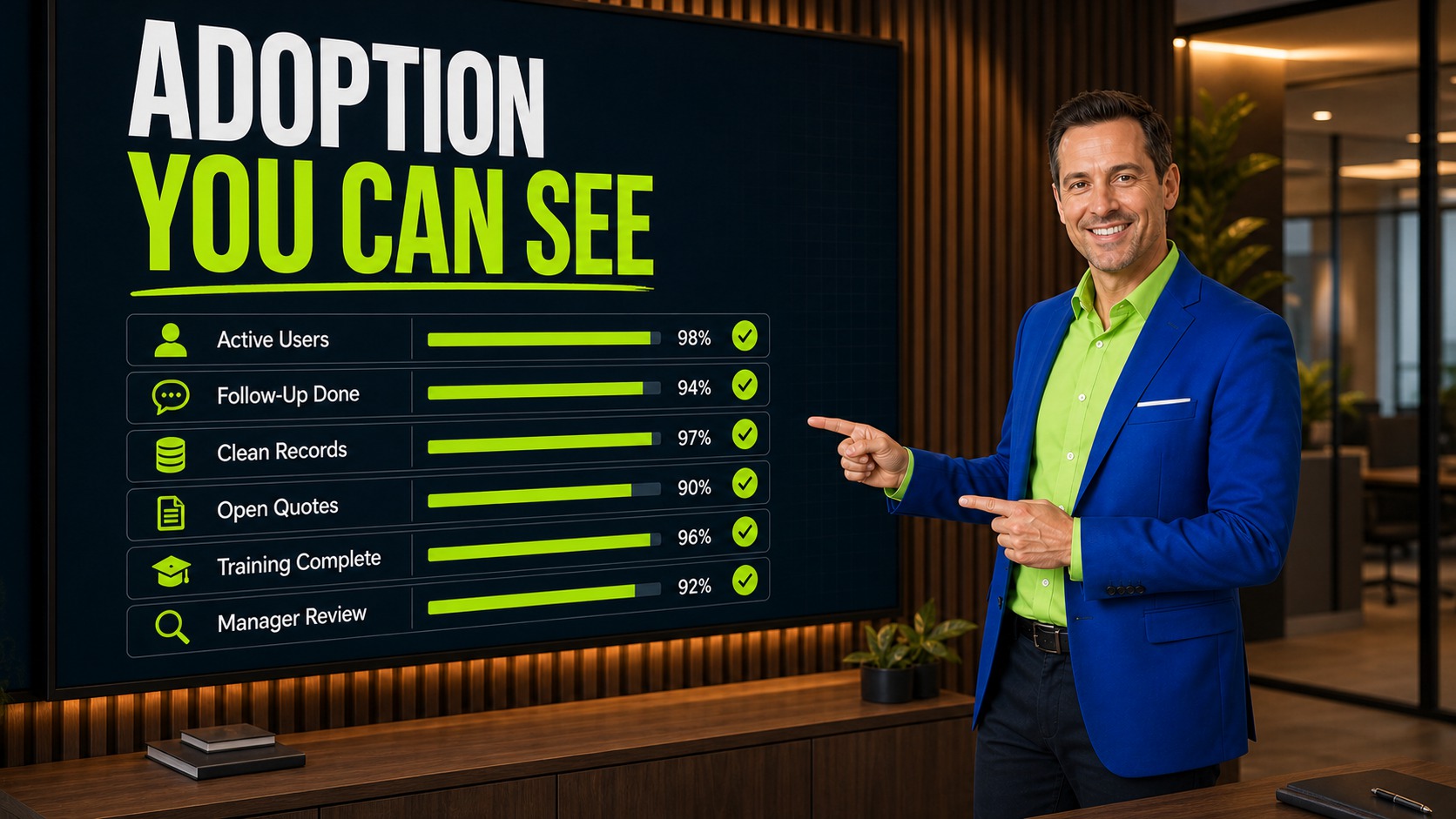
The management view should make the next decision easy to see.
Measure Adoption With Operational Signals
Adoption is not only login count. Better signals include overdue follow-up, records without owners, open quotes without next actions, stale opportunities, missing documents, and customer records with incomplete history.
Managers should review whether the CRM is helping the team move work forward. If the dashboard shows where follow-up is stuck and which quote needs attention, users see the system as useful instead of administrative.
How to Put This Into Practice
Start with the real workflow. Map how your team handles a lead, quote, document, customer request, approval, renewal, or handoff before adding fields.
Assign ownership. Every important customer record should show who is responsible for the next action and when it is due.
Use reports to change behavior. Useful CRM reporting should help managers see what needs attention now, not simply count activity after the fact.
Prepare for automation carefully. Teams that want smarter reminders or AI-assisted work should first clean their process and data, then continue with AI-ready CRM operations and agentic AI CRM workflows.
Questions and Answers
Why do CRM implementations fail?
They usually fail because the CRM is configured as a database instead of a workflow for follow-up, quote status, ownership, documents, and reporting.
How can BROSH CRM reduce implementation risk?
BROSH CRM can model the actual B2B workflow, assign owners, track next actions, connect documents, and show managers operational signals.
What should a team define before rollout?
Define sales stages, required fields, record ownership, follow-up rules, quote status, document handling, reporting needs, and adoption review habits.
How do we know CRM adoption is improving?
Look for cleaner records, fewer overdue tasks, more complete customer history, faster quote follow-up, and reports that managers trust.
Launch CRM Around the Work Your Team Actually Does
BROSH CRM helps B2B teams implement customer records, follow-up, quotes, tasks, documents, and reporting in one practical workflow.