
Smart CRM Calendar for B2B Follow-Up
Use BROSH CRM calendars to manage demos, follow-ups, renewals, quote reviews, service visits, owners, and manager visibility in one customer-centered schedule.
B2B work is full of dates that matter: the demo promised after a discovery call, the renewal that cannot slip, the quote review waiting for approval, the service visit that keeps the customer confident, and the follow-up that should happen before the buyer forgets the conversation.
Last modified by BROSH CRM, on Mon Aug 10 2026 Israel Time
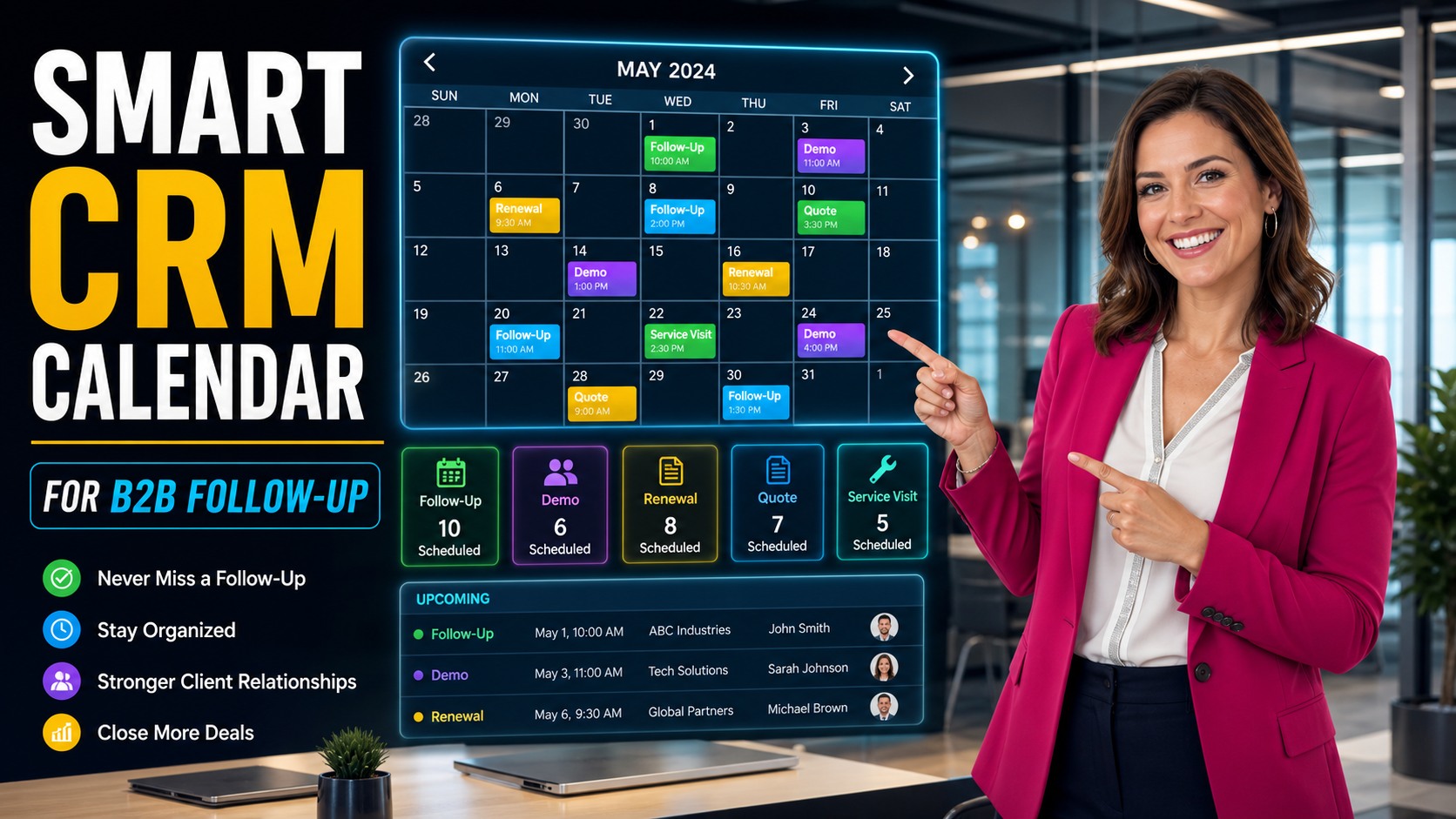
A smart CRM calendar keeps follow-ups, demos, renewals, quote reviews, service visits, and owners visible.
Why Smart Scheduling Belongs Inside the CRM
A calendar outside the CRM can tell a person when to show up. A smart CRM calendar tells the team why the meeting matters, which customer record it belongs to, what document or quote is connected, who owns the next step, and what happens if the action is missed.
The U.S. Small Business Administration guide to market research and competitive analysis encourages businesses to understand customer needs and context. A CRM calendar supports that discipline by connecting each scheduled activity to a customer situation rather than leaving it as a generic appointment.
For BROSH CRM buyers, the highest-value calendar workflows are practical: lead follow-up, demo scheduling, quote reviews, renewal reminders, service visits, customer success check-ins, and manager review meetings. The calendar becomes useful when the scheduled item is connected to the account, opportunity, task owner, and next action.
Turn Follow-Up Dates Into Customer Workflows
Follow-up is one of the easiest places for revenue work to disappear. A seller may know the date, but the manager does not know the context. A customer may expect a quote review, but operations may not see the commitment. A renewal may be approaching, but the account owner may not have the document history in front of them.
A BROSH CRM calendar should connect each date to the related customer, opportunity, document, quote, and owner. That gives the team the context to prepare before the meeting and complete the next action after it.
This workflow connects naturally with lead follow-up, buyer enablement workflows, and customer documents and e-signatures.
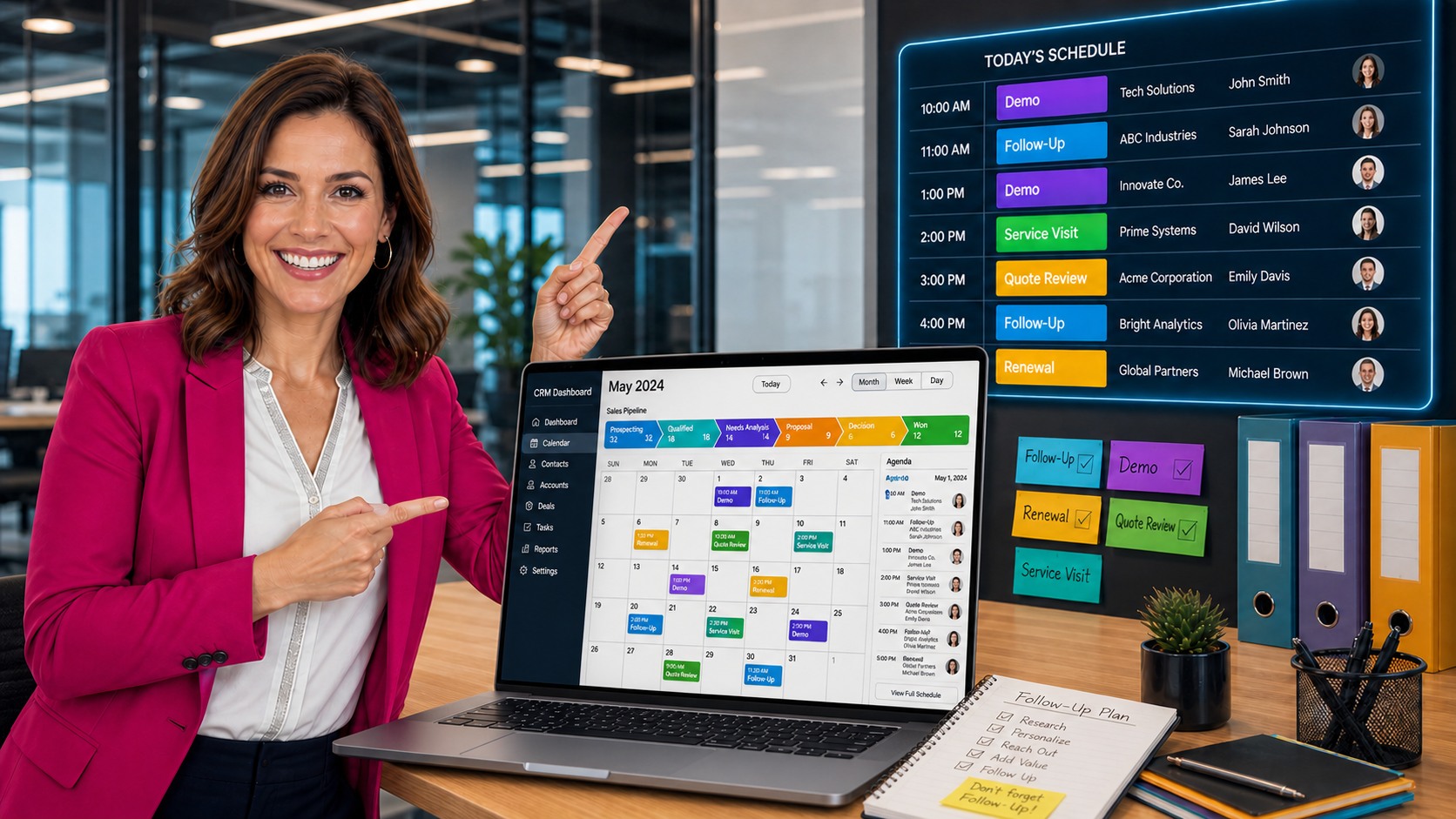
Calendar items become useful when they connect to follow-up plans, customer records, owners, and CRM activity.
What a B2B CRM Calendar Should Track
A smart calendar should show more than time slots. It should make the sales and service workload easier to scan, sort, and manage.
Revenue Events
Demos, quote reviews, renewals, decision meetings, proposal reviews, and manager pipeline checks.
Customer Work
Service visits, onboarding sessions, customer success check-ins, document collection, and support follow-up.
Ownership Signals
Owner, customer, related record, next action, overdue status, and whether a document or quote is waiting.
Teams that use a visual pipeline should connect the calendar to BROSH Kanban boards. The Kanban shows stage movement, while the calendar shows the dates that move the work.
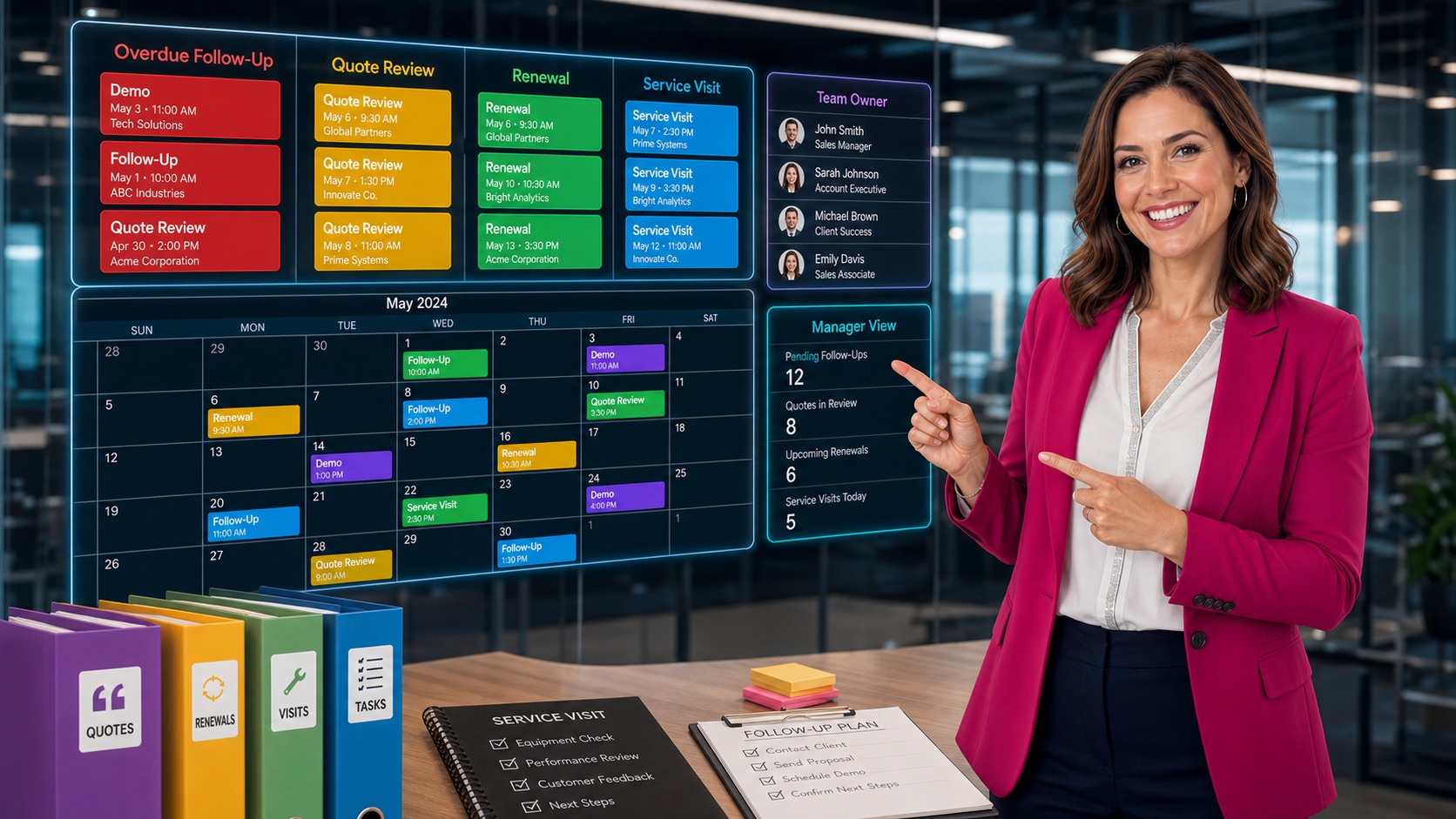
Manager calendar views help teams track overdue follow-up, quote review, renewals, service visits, team owners, and workload risk.
Give Managers a Calendar View of Risk
A calendar is not only for the person doing the work. It is also a management tool. A manager should be able to see overdue follow-ups, quote reviews due this week, upcoming renewals, service visits, and owners who are overloaded.
That management view helps the team act before a customer relationship becomes fragile. If a quote review is overdue, the manager can ask why. If a renewal has no next meeting, the account owner can schedule one. If service visits are stacked on one person, the workload can be balanced.
The NIST AI Risk Management Framework is useful when teams later add intelligent reminders or scheduling automation, because it emphasizes trustworthy, accountable, and transparent AI systems. In CRM scheduling, that means automation should prepare context and reminders while people remain responsible for customer commitments.
For a broader automation path, connect calendar readiness to AI-ready CRM operations and agentic AI CRM workflows.
A Practical BROSH CRM Calendar Setup
1. Define event types. Use clear types such as follow-up, demo, renewal, quote review, service visit, onboarding, customer success, and manager review.
2. Connect every event to a record. Link the event to a customer, contact, opportunity, quote, document, project, or support item so context stays visible.
3. Assign the owner. A calendar item without an owner is only a reminder. An owned item is work that can be managed.
4. Review overdue items weekly. Look for missed follow-ups, quote reviews that did not happen, renewals without meetings, and service commitments that need support.
5. Add automation carefully. Once the calendar reflects real work, add reminders, alerts, and summaries. Keep human approval for customer-facing changes and sensitive commitments.
Questions and Answers
What is a smart CRM calendar for B2B teams?
A smart CRM calendar connects meetings, demos, follow-up tasks, renewals, quote reviews, service visits, and owners to customer records so the team can manage time-sensitive revenue work from one shared view.
Which activities should appear on a BROSH CRM calendar?
Useful calendar items include sales follow-ups, demos, renewal calls, quote reviews, service visits, customer success check-ins, approval deadlines, and manager review meetings.
How does a CRM calendar improve follow-up?
It makes the next action visible. Instead of relying on inbox reminders or personal notes, each follow-up can be connected to the customer, owner, due date, quote, document, and opportunity stage.
Can calendar workflows support automation later?
Yes. When calendar items are connected to CRM records, automation can remind owners, flag overdue work, prepare context, and help managers see scheduling risk while people keep control of customer-facing actions.
Put Follow-Up, Renewals, Quotes, and Service Visits on One CRM Calendar
BROSH CRM helps B2B teams schedule customer work, connect dates to records, assign owners, and keep managers aware of time-sensitive revenue and service actions.