
BROSH CRM → blog → Why Bulk Email Goes to Spam—and How to Improve Deliverability
Why Bulk Email Goes to Spam—and How to Improve Deliverability
Personal inboxes are built for conversations, not unmanaged campaigns.
Reliable delivery starts with an authenticated business domain, permission-based contacts, controlled volume, easy unsubscribe, and clean CRM data.
Last modified by BROSH CRM on September 24, 2026.
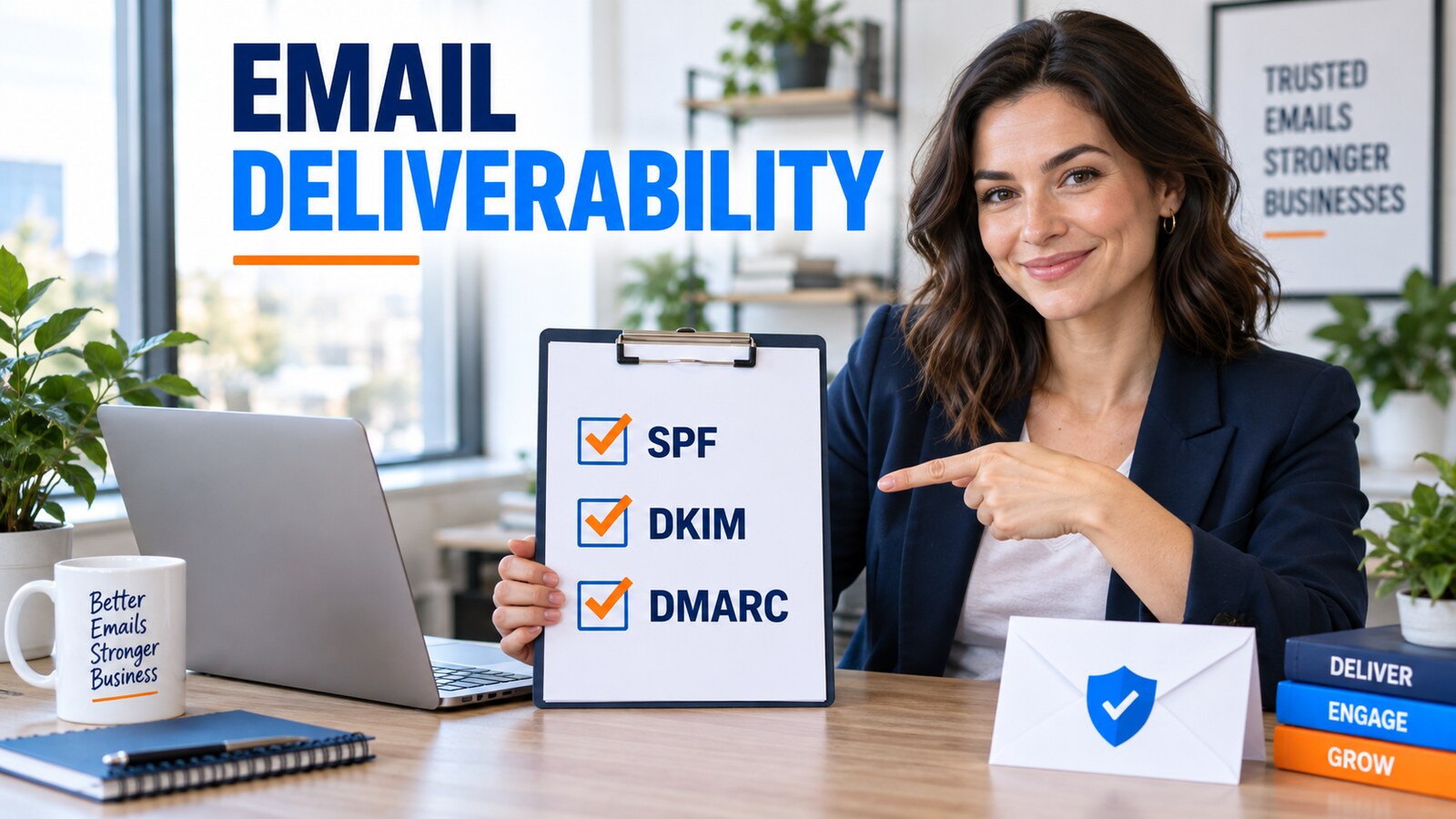
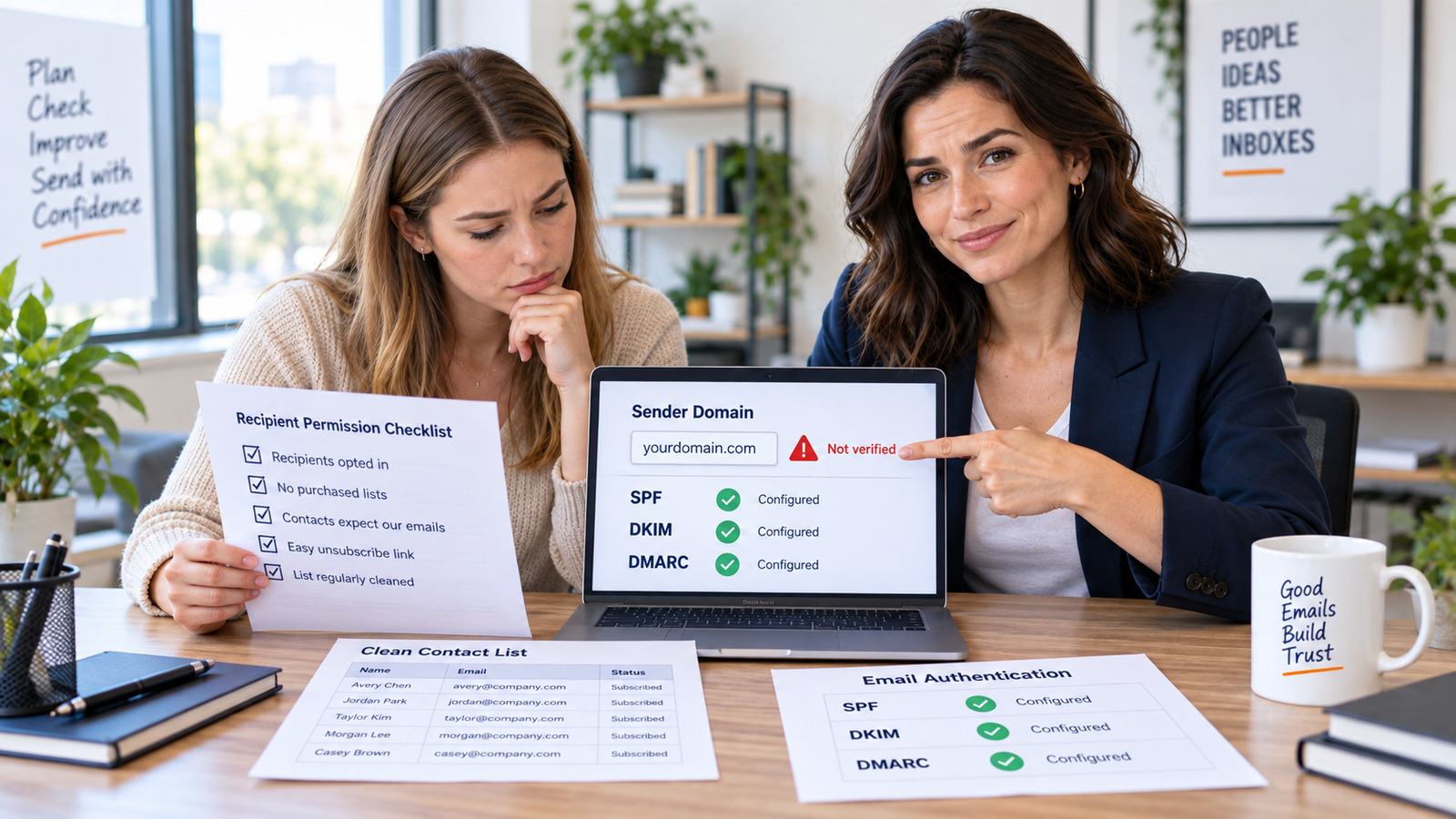
Why do Gmail or Yahoo bulk emails land in spam?
Google requires every sender to personal Gmail accounts to use SPF or DKIM, TLS, valid DNS, standards-compliant formatting, and low complaint rates. Higher-volume senders must use SPF, DKIM, DMARC, domain alignment, and one-click unsubscribe.
Yahoo similarly requires authentication, low complaint rates, valid DNS, and stronger controls for bulk senders. Yahoo also advises regular bulk senders to use a purpose-built sending solution rather than a personal mailbox.
Authentication is necessary, but it does not create permission. Purchased, stale, or poorly segmented lists still damage reputation.
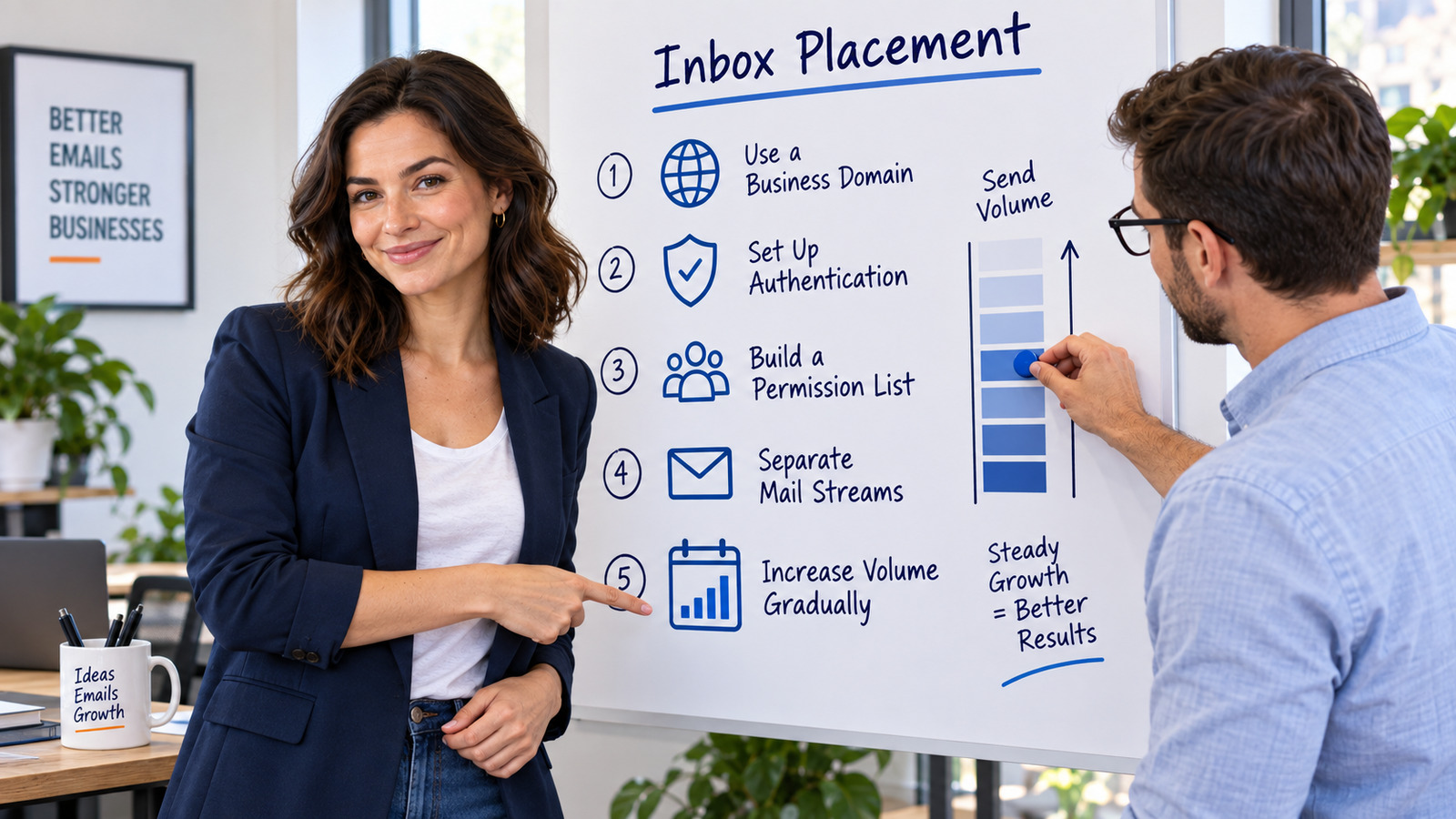
The five controls that protect inbox placement
- Send from your domain. Build reputation around a business identity you control.
- Configure SPF, DKIM, and DMARC. Align the visible From domain with authenticated sending.
- Use permission and suppression data. Record consent, bounces, complaints, and opt-outs.
- Separate campaign and transactional streams. A promotion and a password reset have different expectations.
- Increase volume gradually. Sudden spikes from a new domain look unlike normal wanted mail.
Email deliverability diagnostic table
| Signal | Risk | Corrective action |
|---|---|---|
| Authentication fails | Identity cannot be trusted | Repair SPF, DKIM, DMARC, alignment, and DNS |
| Complaint rate rises | Recipients do not expect the mail | Pause weak segments and tighten consent |
| Bounces increase | List quality is deteriorating | Validate addresses and suppress permanent failures |
| Engagement collapses | Content or audience fit is weak | Reduce frequency and segment by relevance |

Where CRM improves email readiness
BROSH helps teams keep customer records, ownership, follow-up, and history together. A clean customer database makes segmentation and suppression more reliable before data moves to a dedicated email-sending service.
Use duplicate management to reduce repeated contacts, and connect campaign responses to a clear lead follow-up process.
BROSH is the system of customer context; deliverability still depends on the sending provider, domain configuration, permission, and content practices.
Frequently asked questions
Can I send a newsletter from a personal Gmail account?
A small manual message may send, but regular bulk marketing should use an authenticated business domain and a dedicated sending system designed for subscriptions, suppression, and unsubscribe handling.
Do SPF, DKIM, and DMARC guarantee inbox placement?
No. They verify identity and alignment. Reputation, complaints, consent, engagement, content, volume patterns, and list quality also affect delivery.
What complaint rate should senders watch?
Google and Yahoo tell senders to keep reported spam rates below 0.3 percent, while Google recommends staying below 0.1 percent when possible.
Does CAN-SPAM apply to B2B email?
Yes. The FTC states that the law makes no exception for business-to-business commercial email.
Should CRM send the bulk email itself?
The CRM should control customer context and follow-up. A specialized sender should handle authentication, throttling, unsubscribe processing, bounce handling, and delivery diagnostics.
Summary and sources
Bulk email succeeds when identity, permission, reputation, and data quality work together. Diagnose the sending system before rewriting every subject line.
Primary sources: Google email sender guidelines; Yahoo sender requirements; FTC CAN-SPAM guide.
Turn email responses into accountable follow-up
Keep customers, owners, tasks, and next steps visible in BROSH while a dedicated delivery platform handles compliant bulk sending.